
Last Updated on 24/06/2026
Choosing between a strip-cut and a cross-cut paper shredder mainly comes down to one question: how sensitive are the documents you need to destroy?
A strip-cut shredder cuts paper into long strips. It is usually faster, cheaper and fine for low-risk documents. A cross-cut shredder cuts paper in two directions, turning it into much smaller pieces. That makes it a better choice for confidential paperwork, personal data and everyday business use.
In this guide, we explain the key differences between strip-cut, cross-cut and micro-cut shredders, and help you choose the right security level for your needs.
Strip-cut, cross-cut and micro-cut: the basics
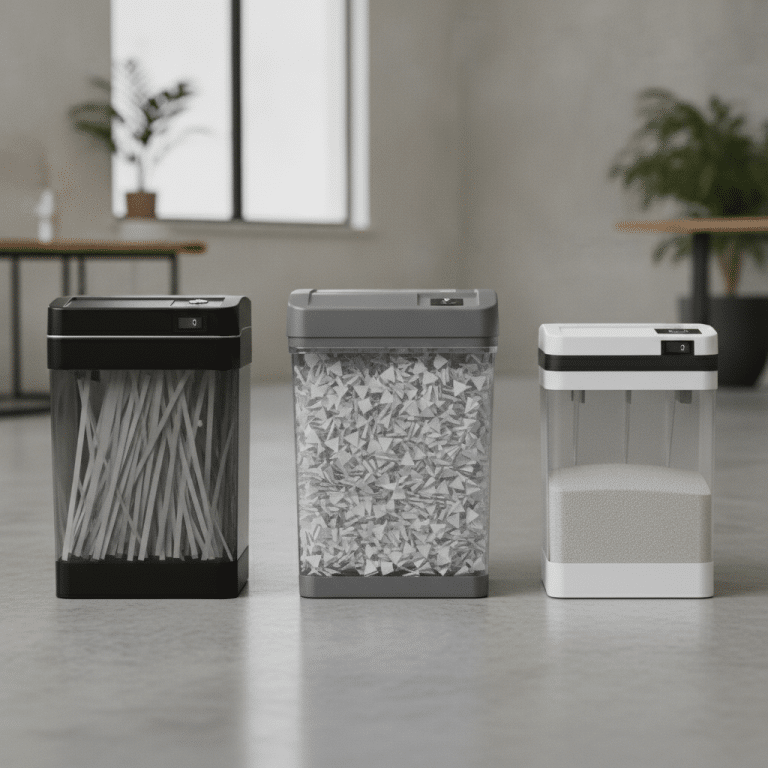
At first glance, most paper shredders look fairly similar. The real difference is what happens inside the machine — and what the shredded paper looks like afterwards.
That matters because the smaller the pieces, the harder it is to put a document back together.
Strip-cut shredders: simple and fast
A strip-cut shredder cuts each sheet into long vertical strips. This is the most basic type of shredding.
It can be a good option for documents that do not contain sensitive information, such as rough notes, drafts or general internal printouts. Strip-cut models are often quicker and more affordable than cross-cut machines.
The downside is security. Long strips are easier to read, sort or reconstruct, especially if the shredded documents are not mixed with other paper. For anything containing names, addresses, account details, payroll information, customer references or contracts, strip-cut shredding is usually not secure enough.
Cross-cut shredders: better protection for confidential documents

A cross-cut shredder cuts the paper both vertically and horizontally. Instead of long strips, you get small pieces or confetti-like particles.
This gives you a much higher level of protection. It also means the shredded paper usually takes up less space in the bin, because smaller particles compact more easily than long strips.
For most offices, cross-cut shredding is the safer everyday choice. It is well suited to HR files, customer documents, invoices, contracts, financial paperwork and documents containing personal data.
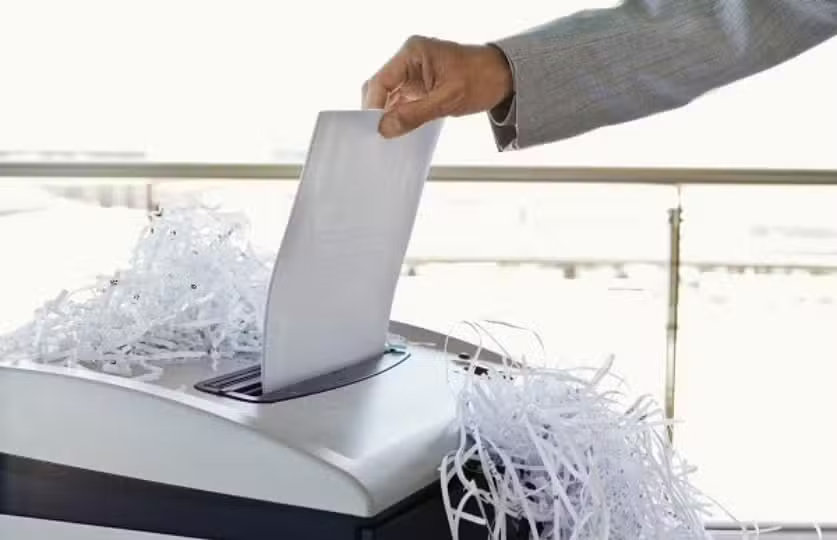
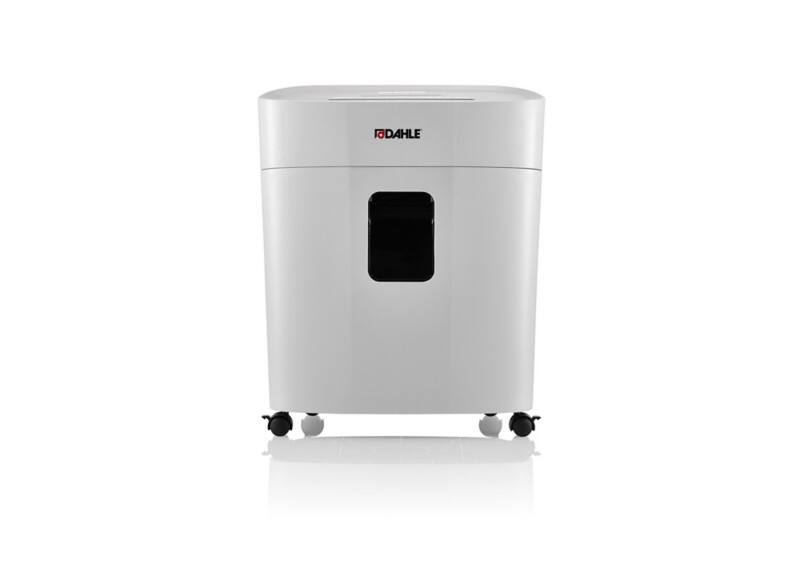
For teams that shred documents regularly, an automatic paper shredder can also be useful. It helps make document disposal more consistent and less dependent on individual habits.
Micro-cut shredders: for highly sensitive information

Micro-cut shredders go a step further. They reduce paper into very small particles and are designed for documents where confidentiality is critical.
They are often used in sectors such as healthcare, law, finance, public administration or any environment dealing with strategic or highly sensitive information.
For most standard office needs, cross-cut is usually enough. But for stricter internal security policies or high-risk documents, micro-cut may be the better option.
Need a paper shredder for your office? Explore our range of strip-cut and cross-cut shredders and choose the right level of protection for your documents.
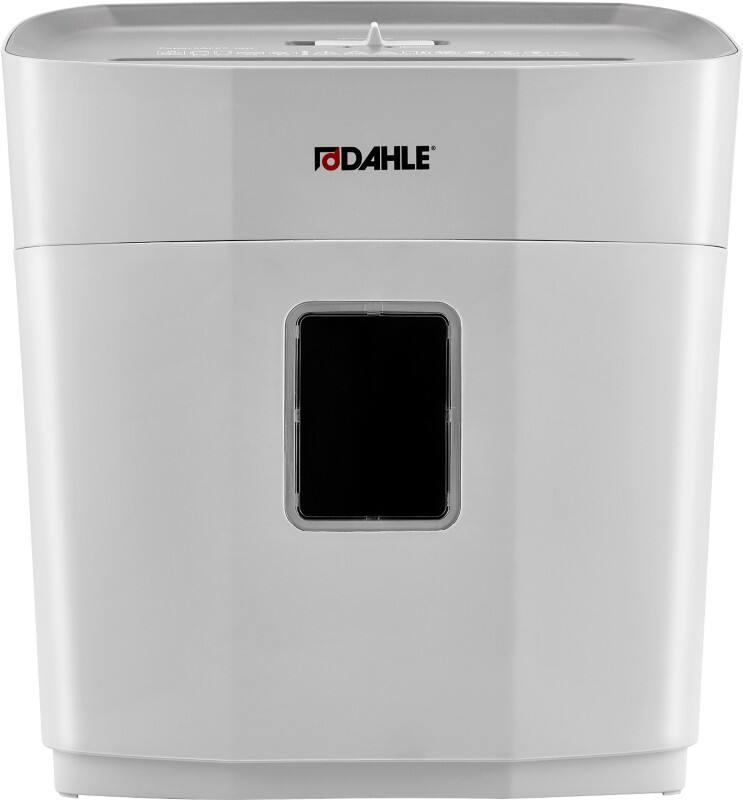
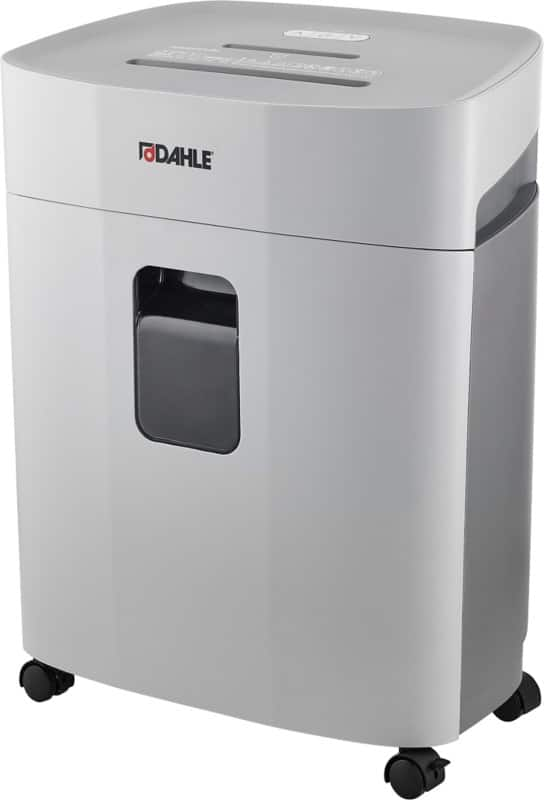

Security levels explained
Paper shredders are usually classified using security levels from P-1 to P-7. The higher the number, the smaller the shredded particles and the higher the level of protection.
| Cutting type | Typical security levels | Best for |
|---|---|---|
| Strip-cut | P-1 to P-2 | Low-risk documents, drafts, general paperwork |
| Cross-cut | P-3 to P-4 | Confidential office documents, personal data, customer files |
| Micro-cut / high security | P-5 to P-7 | Highly sensitive data, legal, financial or strategic documents |
A strip-cut shredder is still better than throwing papers straight into the bin. But for business documents containing personal or confidential information, a cross-cut shredder — often at P-4 level or above — is usually the more sensible choice.
Strip-cut vs cross-cut: quick comparison
| Feature | Strip-cut shredder | Cross-cut shredder |
|---|---|---|
| Shredded result | Long vertical strips | Small particles or confetti |
| Security | Low to moderate | Higher |
| Risk of reconstruction | Higher | Much lower |
| Bin efficiency | Strips take up more space | Particles compact better |
| Cost | Usually cheaper | Usually more expensive |
| Best use | Non-sensitive documents | Confidential business documents |
Which type should you choose?
Start with the most sensitive type of document you shred regularly.
A strip-cut shredder may be enough if you only destroy low-risk paperwork, such as drafts or documents without personal data.
A cross-cut shredder is the better choice if you handle customer files, HR documents, contracts, financial records, administrative paperwork or anything that includes personal information.
For very sensitive documents, consider a micro-cut shredder with a higher P-level.
A simple way to decide:
- Identify the documents you shred most often.
- Check whether they contain personal or confidential data.
- Estimate how many people will use the machine.
- Choose the right security level, bin size and run time.
Need a paper shredder for your office? Explore our range of strip-cut and cross-cut shredders and choose the right level of protection for your documents.
FAQ
What is the difference between strip-cut and cross-cut shredders?
A strip-cut shredder cuts paper into long strips. A cross-cut shredder cuts paper in two directions, producing much smaller pieces. Cross-cut shredders are more secure and better suited to confidential documents.
Is a strip-cut shredder enough for office use?
It can be enough for low-risk documents, such as drafts or general printouts. For HR, customer, accounting, legal or commercial documents, a cross-cut shredder is usually a better choice.
Why does a cross-cut shredder make better use of the bin?
Cross-cut particles are smaller and compact more easily than long strips. This often means the bin can hold more shredded paper before it needs emptying.
What security level should a business choose?
For everyday confidential office documents, P-4 is often a good starting point. For highly sensitive documents, you may need P-5, P-6 or P-7 depending on your internal security requirements.