
Last Updated on 12/08/2026
Creating an ergonomic workstation is crucial for maintaining comfort and productivity, whether you’re working from home or managing a team in an office. In this guide, we’ll walk you through practical steps to set up your workspace ergonomically, focusing on chair height, monitor placement, keyboard and mouse positioning, desk height, and lighting. By standardizing ergonomic setups, office managers can enhance team well-being and efficiency. Let’s dive into actionable steps to create a comfortable and healthy working environment.
What Are the Key Steps to Setting Up an Ergonomic Workstation?
Setting up an ergonomic workstation involves adjusting your chair, monitor, keyboard, and other elements to fit your body’s natural posture. This helps prevent strain and improve productivity. For a detailed guide, check out the Ergonomic Workstation Setup. Each step focuses on a different aspect of your setup, ensuring a comprehensive approach to ergonomics.
Essential Steps for Ergonomic Workstation Setup
- Adjust chair height for proper posture
- Position monitor at eye level
- Place keyboard and mouse comfortably
- Set desk height to elbow level
- Use a footrest if needed
- Ensure proper lighting to reduce glare
- Consider standardizing setups for teams
- Utilize products like monitor arms and chair mats
Adjusting Your Chair Height and Posture
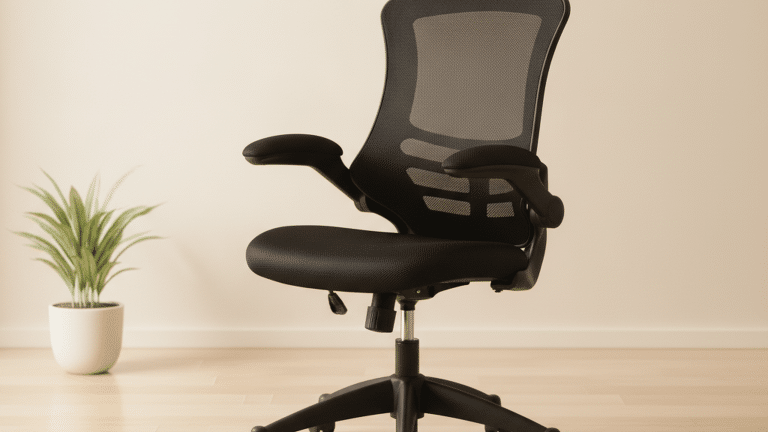
The foundation of an ergonomic workstation starts with your chair. Ensure your chair height allows your feet to rest flat on the floor or on a footrest, with your knees at a 90-degree angle. A chair with adjustable height and lumbar support, like those found in ergonomic office furniture from Viking’s collection, can significantly enhance your posture. Sit back in your chair with your back supported by the lumbar cushion, and keep your shoulders relaxed.
Maintaining a neutral spine alignment is key to reducing back strain. Adjust the armrests so your arms can rest comfortably, reducing shoulder tension. An ergonomic chair mat can provide smooth movement and protect your floor, making it a worthwhile addition to your setup.

Nautilus Luna Design Operator Chair Basic Tilt Mesh Black 110 kg

Pierre Henry Maxi Steel Filing Cabinet with 2 Lockable Drawers 400 x 400 x 660 mm Silver, White

Viking Realspace Premium Chair Mat PC (Polycarbonate) Rectangular with Lip Transparent 120 x 90 cm Soft Floor

Viking Malaga Executive Chair Basic Tilt Bonded leather Fixed Armrest Height-Adjustable Seat Black 120 kg

Vinsetto Office Chair Fixed Armrest Black 120 kg 921-225V70 605 x 595 mm
Positioning Your Monitor for Optimal Viewing
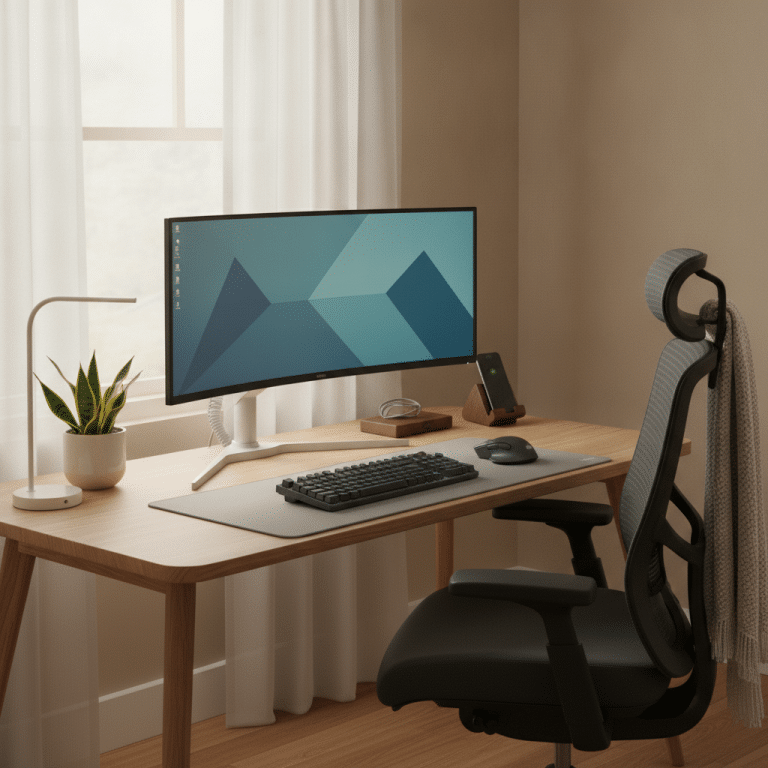
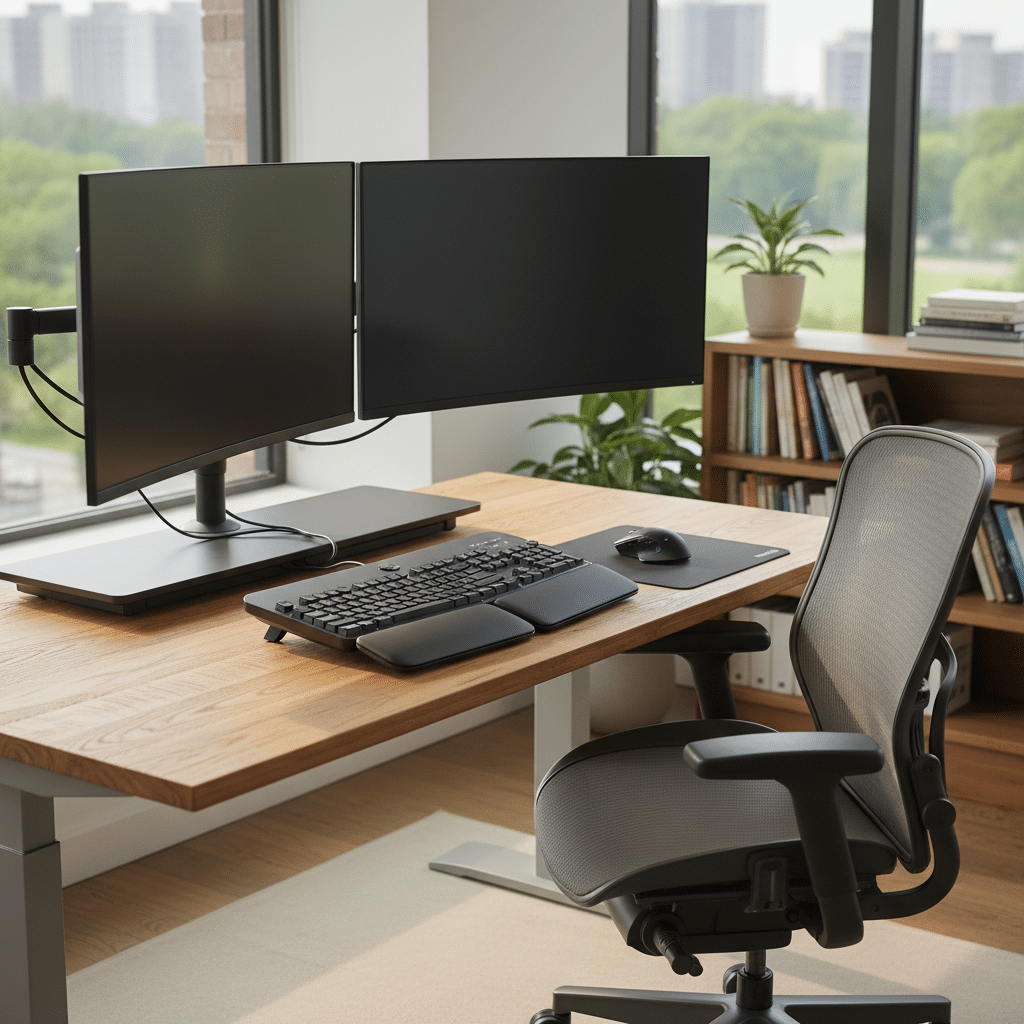
Your monitor should be positioned at an arm’s length away, with the top of the screen at or slightly below eye level. This setup helps prevent neck strain and eye fatigue. A monitor arm can provide the flexibility needed to adjust the height and tilt of your monitor, ensuring it remains at the perfect angle throughout your workday. To enhance your workspace further, you can Select an Ergonomic Setup.
Ensure the monitor is directly in front of you to avoid twisting your neck. If you use multiple screens, position them at an equal distance from your eyes. This balanced setup promotes a healthier posture and reduces the risk of repetitive strain injuries. For optimal comfort, refer to these desk height recommendations.
Comparison Table of Ergonomic Products
| Product Type | Recommended Features | Benefits |
|---|---|---|
| Office Chair | Adjustable height, lumbar support | Supports posture, reduces back strain |
| Monitor Arm | Adjustable height and tilt | Improves eye level alignment |
| Footrest | Adjustable angle | Enhances circulation, reduces leg fatigue |
| Chair Mat | Durable, non-slip | Protects flooring, allows easy movement |
Placing Your Keyboard and Mouse
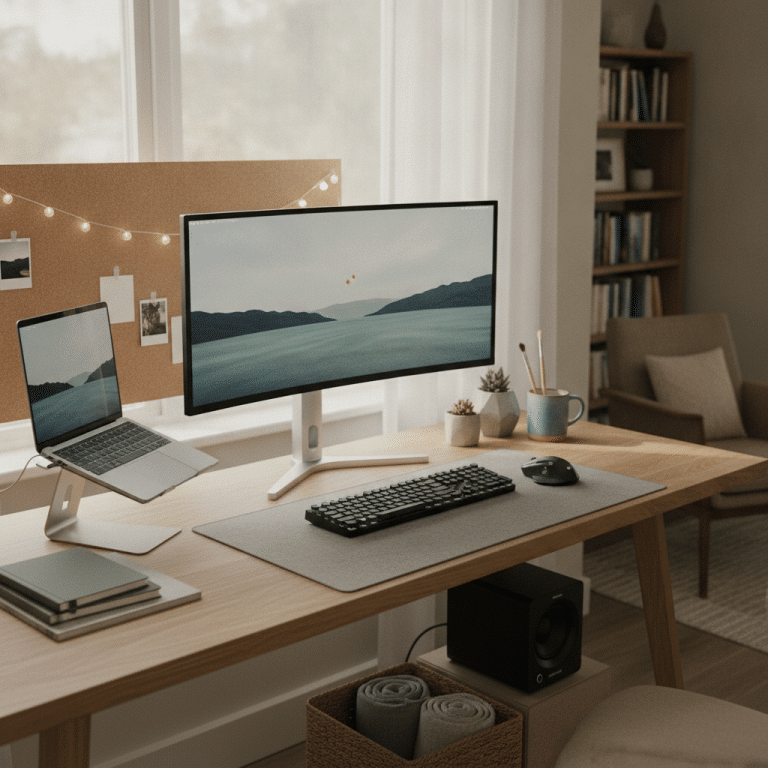
For a comfortable typing posture, place your keyboard and mouse on the same surface, close enough so you can use them without reaching. Your elbows should be at a 90-degree angle, with your wrists straight and relaxed. Consider using a keyboard tray to achieve the right height and angle for an Ergonomic workstation setup.
Position the mouse close to the keyboard to minimize reaching and ensure your wrist is in a neutral position. An Ergonomic Workstation Setup with ergonomic keyboards and mice is designed to support natural hand positions, reducing the risk of strain and enhancing comfort during extended use.
Final Thoughts on Ergonomic Workstation Setup
Setting up an ergonomic workstation is a worthwhile investment in your health and productivity. By following these practical steps, you can create a workspace that supports your body and enhances your work experience. To further improve your setup, consider how to Enhance Your Workspace. Whether you’re setting up a home office or standardizing workstations for a team, ergonomic adjustments can lead to significant improvements in comfort and efficiency.
Viking offers a range of ergonomic products, including office chairs, monitor arms, and chair mats, to help you achieve the perfect setup. Prioritize ergonomics in your workspace today and experience the benefits of a healthier, more productive work environment.
Frequently Asked Questions
Why is an ergonomic workstation important?
An ergonomic workstation is essential because it helps prevent strain and injuries related to poor posture, such as back pain, neck strain, and repetitive strain injuries. By setting up your workspace ergonomically, you can improve comfort, reduce fatigue, and enhance productivity. Ergonomics is not only beneficial for individual health but also contributes to a more efficient and effective work environment.
What is the ideal chair height for an ergonomic setup?
The ideal chair height allows your feet to rest flat on the floor or on a footrest, with your knees at a 90-degree angle. This position helps maintain a neutral spine alignment and reduces strain on your back and legs. An adjustable chair with good lumbar support is recommended to achieve the best ergonomic posture.
How can I reduce glare on my monitor?
To reduce glare on your monitor, position it perpendicular to windows and use adjustable blinds or curtains to control natural light. An anti-glare screen filter can also be beneficial. Ensure your monitor is at the correct height and angle to prevent reflections, and use task lighting to illuminate your workspace evenly without causing additional glare.
What are the benefits of using a footrest?
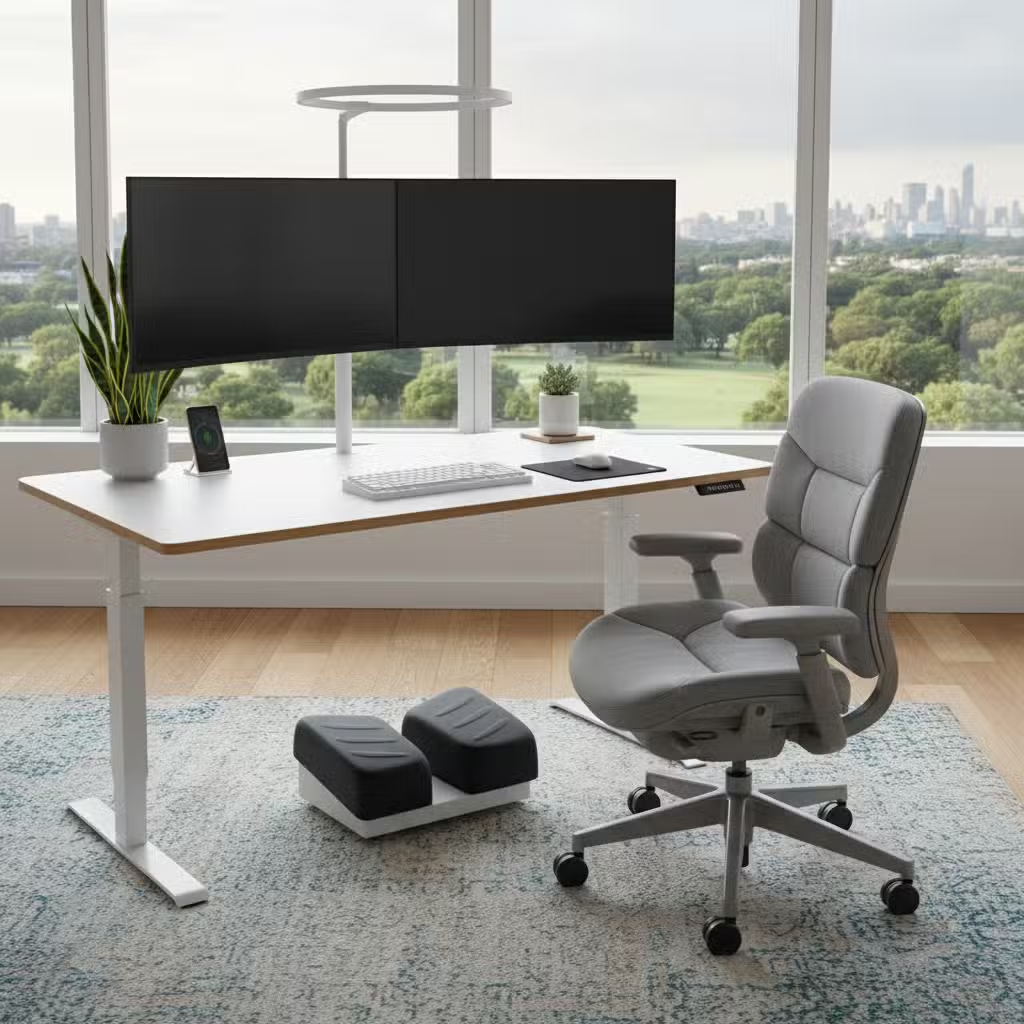
A footrest can provide additional support and comfort, especially if your desk or chair height is not adjustable. It helps maintain proper posture by keeping your feet flat and your knees at a 90-degree angle. This setup enhances circulation, reduces leg fatigue, and prevents strain on your lower back. A footrest is a simple yet effective tool for improving overall ergonomic comfort.