

Last Updated on 26/10/2026
The Epson WorkForce WF-7830 is an A3 colour inkjet all-in-one for the small office that cannot keep outsourcing A3 work. Print, copy, scan and fax up to A3. Duplex print. Duplex scan. Two paper trays and a 50-sheet A3 automatic document feeder.
For a team of one to five people, that covers most of the daily print load. Quotes. Floor plans. Spreadsheets. Tender packs. Signed contracts coming back in as searchable PDFs.
This review covers print quality, A3 performance, running costs and scanning. Then the buying question: does the WF-7830 earn its desk space?
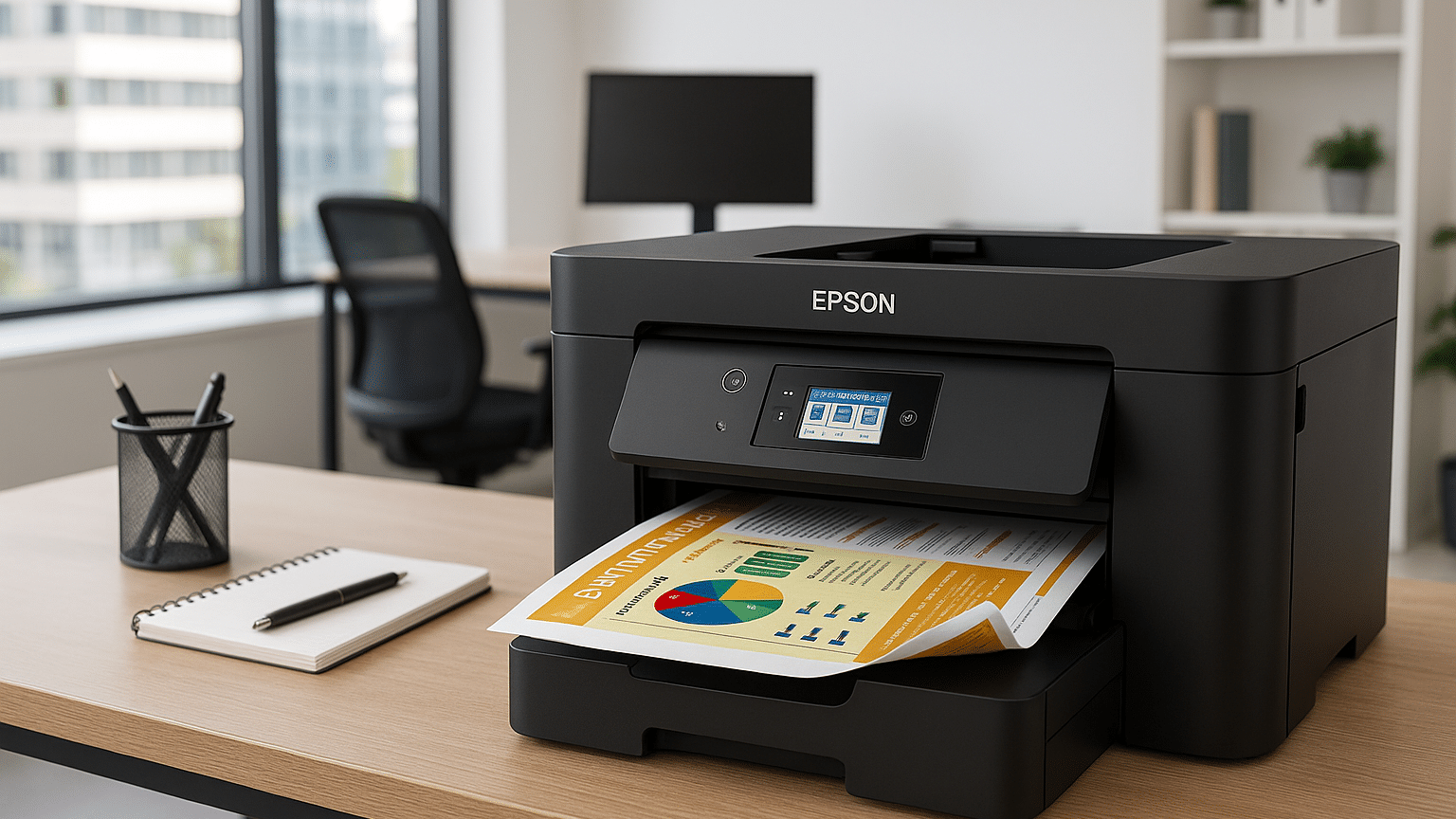
This is the product we are reviewing today:

Epson WorkForce WF-7830 A3 Colour Inkjet Printer
- ### Epson WorkForce WF-7830 A3 Colour Inkjet Printer
- Print speeds up to 25 ppm in black.
- Handles up to 50 double-sided A3 pages ADF.
- Compatible with individual 405, 405XL, 405XXL ink cartridges.
- Supports paper formats A3, A4, A5, A6, B4, B5, C4, C6.
In brief
- A3 print and A3 duplex scanning in one desktop unit – no trip to the print shop.
- ISO-rated 25 ppm mono, 12 ppm colour – 16/9 ppm in duplex.
- Individual 405, 405XL and 405XXL cartridges – replace only the colour that runs dry.
- 50-sheet A3 duplex ADF – scan a signed contract in one pass.
- Score: 4/5 – a strong buy for small offices with real A3 demand.
- Ink prices and cost per page flagged below – Viking to confirm before publishing.
What we tested and how
We assessed the WF-7830 against the four things office buyers actually check.
-
Print quality and A3 output – text sharpness, colour blocks, duplex registration on A3 plain paper.
-
Running costs – cartridge structure, published yields and the cost of a page at each cartridge size.
-
Scanning workflow – ADF capacity, duplex handling, scan speed to searchable PDF.
-
Fit for the desk – footprint, weight, tray capacity and duty cycle against a small team’s volume.
Two sources sit behind the numbers. Manufacturer figures come from Epson’s published specification and its page yield guidance. Anything we measure ourselves is marked in square brackets and stays placeholder until the client supplies the reading – speed in ppm, pages from a cartridge, price per cartridge.
Print quality and A3 performance
PrecisionCore printhead. DURABrite Ultra pigment ink. Four individual cartridges – black, cyan, magenta, yellow.
Pigment ink is the right choice for an office. It sits on the surface of plain paper instead of soaking in, so text stays crisp and colour stays dense. Prints resist smudging, highlighter and the handling that a shared document gets.
-
Sharp, laser-like text at up to 4,800 x 2,400 dpi.
-
Double-sided A3 printing on plain paper – expense sheets and plans on half the paper.
-
Borderless print up to A3 for internal posters and presentation handouts.
-
Two trays, 500 sheets total – keep A4 for letters and A3 for plans, no reloading.
-
Paper weights from 64 to 255 gsm – thin letterheads through to heavier card.
Speed, in the numbers that matter:
|
Specification |
Epson published figure |
|---|---|
|
Print technology |
PrecisionCore printhead, DURABrite Ultra pigment ink (4 individual cartridges) |
|
Maximum paper size |
A3 (duplex on A3 and A4 plain paper) |
|
Print speed, ISO/IEC 24734 |
25 ppm mono, 12 ppm colour |
|
Duplex speed, ISO/IEC 24734 |
16 ppm mono, 9 ppm colour (A4) |
|
Maximum quoted speed |
32 ppm mono, 22 ppm colour (75 gsm plain paper) |
|
Print resolution |
4,800 x 2,400 dpi |
|
Paper input |
2 trays, 500 sheets total, 64-255 gsm |
|
Paper output |
125 sheets |
|
Monthly duty cycle |
50,000 pages maximum, 200-2,500 pages recommended |
|
Recommended users |
1 to 5 |
|
Connectivity |
USB 2.0, Ethernet, Wi-Fi, Wi-Fi Direct, Apple AirPrint, Mopria, Epson Connect |
|
Control panel |
6.9 cm colour touchscreen |
|
Size and weight |
515 x 400 x 350 mm, 18.2 kg |
|
Power use |
20 W copying, 0.8 W sleep, TEC 0.12 kWh/week |
|
Warranty |
12 months on-site |
A3 printing at 12 ppm in colour is genuine small-office pace. One A3 colour page every five seconds keeps a tender pack moving. The 50,000-page ceiling and 500-sheet input mean the machine is not the bottleneck – the operator is.
Duplex scanning and the ADF
The ADF is the reason to pick this machine over a cheaper A3 inkjet.
-
50-sheet capacity – a full contract pack or survey report in one load.
-
Single-pass duplex scanning – both sides captured in one trip through the feeder.
-
A3 originals accepted – plans and drawings scan without manual placement.
-
26 ipm mono, 9 ipm colour through the ADF at 200 dpi.
-
Flatbed scan in 5 seconds mono, 10 seconds colour for bound or fragile documents.
-
1,200 x 2,400 dpi optical resolution from the CIS scanner.
-
Searchable PDF output alongside BMP, JPEG, TIFF, multi-TIFF and PNG.
-
Scan-to-cloud through Epson Connect – straight to the shared drive from the panel.
The workflow point is simple. A signed A3 contract goes in the feeder, comes out as a two-sided searchable PDF, and lands in the job folder before the coffee goes cold. No re-feeding, no page-order mistakes, no lost back sides.
Colour scans at 9 ipm are the slow lane. For colour-heavy archives, batch them and walk away. For text-based filing, mono at 26 ipm is quick enough to clear a morning’s post in a few minutes.
Full driver, firmware and FAQ support sits on Epson’s UK support page for the WF-7830DTWF.
Pros and cons
|
Pros |
Cons |
|---|---|
|
High-quality, affordable printing – PrecisionCore output on plain paper at A3. |
Bulky design – 515 x 400 x 350 mm and 18.2 kg needs a sturdy, dedicated bench. |
|
Fast print speeds – 25 ppm mono ISO-rated, 16 ppm in duplex. |
Initial setup is time-consuming – network, trays, drivers and scan-to-cloud all need configuring. |
|
A3 duplex printing and scanning – both sides, both directions, no manual turnaround. |
Ink costs add up – four cartridges at A3 coverage is a real monthly line. |
|
Flexible wireless connectivity – Wi-Fi, Wi-Fi Direct, Ethernet, AirPrint and Mopria. |
May be overkill for smaller offices – A4-only teams pay for capability they never use. |
Verdict: who should buy it
Score: 4 out of 5.
The WF-7830 is the right machine for a specific buyer: a one-to-five person office printing 200 to 2,500 pages a month, with genuine A3 demand and documents that need scanning both sides.
-
Buy it if you print plans, spreadsheets or tender packs at A3 and scan multi-page contracts weekly.
-
Buy it if you want one device for A3 print, duplex copy, duplex scan and fax.
-
Buy it if desk space is available and the machine can live on a solid bench.
-
Skip it if you print A4 mono only – a compact A4 laser is cheaper to buy and run.
-
Skip it if you push past 5,000 pages a month – a workgroup device will cost less per page.
-
Skip it if colour accuracy for client-facing marketing is critical – check proofs, then consider a photo-orientated model.
The point lost is for footprint and for ink cost at high A3 coverage. Neither is a fault. Both are the price of putting A3 print and duplex A3 scanning on a desktop.
At this specification, with Viking’s next-working-day delivery and free returns, the risk of getting it wrong is small. The risk is buying A3 capability you never use.

Tom,
Office Equipment & Technology expert
“The Epson WorkForce WF-7830 A3 Colour Inkjet Printer is often praised by customers for its impressive print quality and versatile features, making it an ideal choice for both home and small office use. Many users appreciate its fast printing speeds and reliable wireless connectivity, which enhance productivity and convenience.”
What our customers say about this product
Epson WorkForce WF-7830 A3 Colour Inkjet Printer
- ### Epson WorkForce WF-7830 A3 Colour Inkjet Printer
- Print speeds up to 25 ppm in black.
- Handles up to 50 double-sided A3 pages ADF.
- Compatible with individual 405, 405XL, 405XXL ink cartridges.
- Supports paper formats A3, A4, A5, A6, B4, B5, C4, C6.
FAQ
How many sheets does the ADF hold on the Epson WorkForce WF-7830?
50 sheets, and it accepts A3 originals. It scans both sides in a single pass, so a 50-sheet load gives up to 100 scanned sides without re-feeding. That covers most contract packs and survey reports in one go.
What is the cost per page on the WF-7830?
It depends on the cartridge size and the paper size. Take Viking’s price for the cartridge and divide by Epson’s published yield. The 405XXL black is rated at 2,200 pages, the 405XL black at 1,100, and the standard 405 black at 350. A3 pages use roughly twice the ink of A4 at the same coverage, so always calculate on the size you print.
What is the difference between the WF-7830 and the WF-7830DTWF?
They are the same printer under two names. WF-7830DTWF is the full European model designation, sold under product codes such as C11CH68401 and C11CH68403. “WF-7830” is the short form used by retailers and by Viking’s product listing. Check the product code on the box, the warranty region and the cartridge range (405, 405XL, 405XXL) before you buy.
Can the WF-7830 print and copy A3?
Yes. It prints, copies, scans and faxes up to A3, and it prints duplex on A3 plain paper as well as A4. Two trays hold 500 sheets in total, so A4 and A3 can be loaded side by side. Paper weights run from 64 to 255 gsm.
Does the WF-7830 scan double-sided documents?
Yes. It has single-pass duplex scanning through the ADF at up to 26 ipm mono and 9 ipm colour at 200 dpi, plus a flatbed for bound documents. Output formats include searchable PDF, which makes the scans findable later.