
Last Updated on 14/09/2026
The shift towards hybrid working—a blend of remote and in-office work—is increasingly becoming the norm. As more companies adopt this flexible approach, creating an efficient and comfortable workspace that caters to both settings is essential. Whether you’re a remote worker or an office manager, setting up a well-organized workspace can enhance productivity and well-being. This guide provides practical steps to achieve just that, focusing on ergonomics and technology integration.
What Are Quick Tips to Instantly Improve Your Hybrid Workspace?
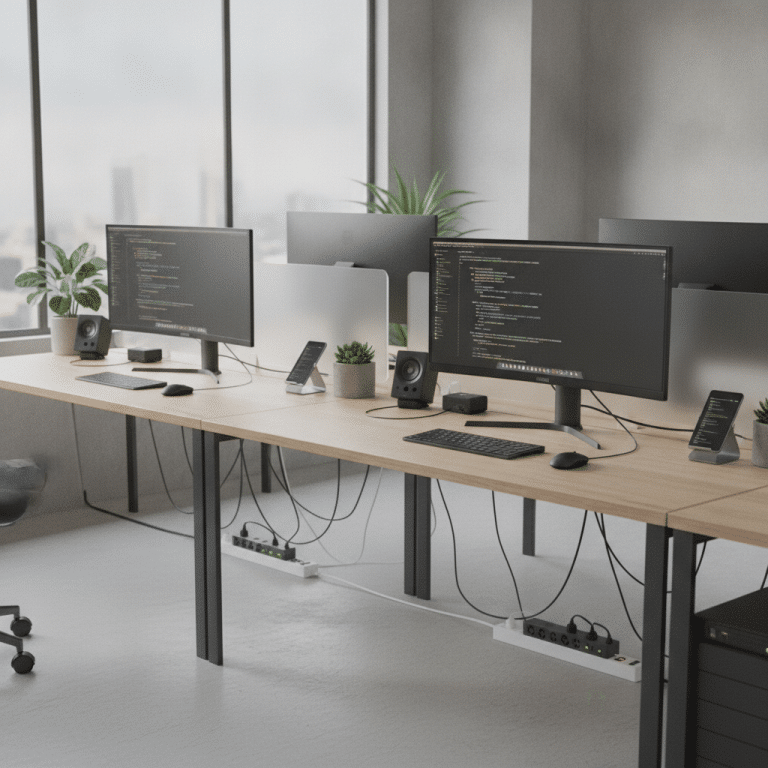
For immediate improvements to your hybrid workspace, start by decluttering your desk and organizing cables to reduce distractions. Ensure your chair is at the correct height, allowing your feet to rest flat on the floor. Use a laptop stand to position your screen at eye level and invest in a good-quality mouse and keyboard.
Essential Elements for a Hybrid Workspace
- Ergonomic chair
- Height-adjustable desk
- Dual monitors
- Noise-cancelling headphones
- High-speed internet connection
- Cable management solutions
- Proper lighting
- Personalized decor for motivation
Setting Up Ergonomic Furniture
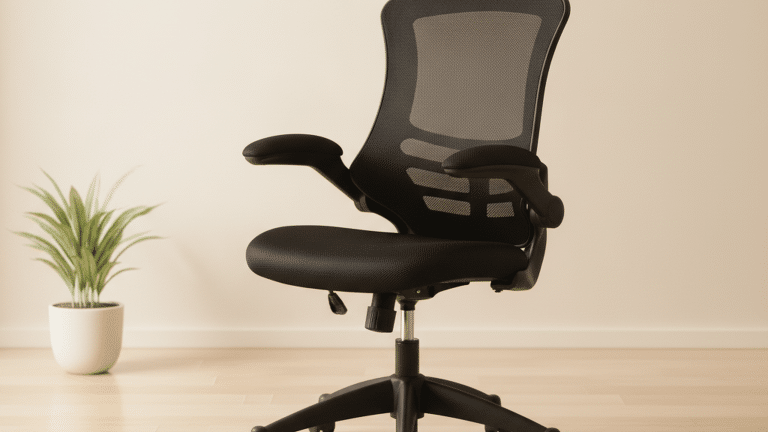
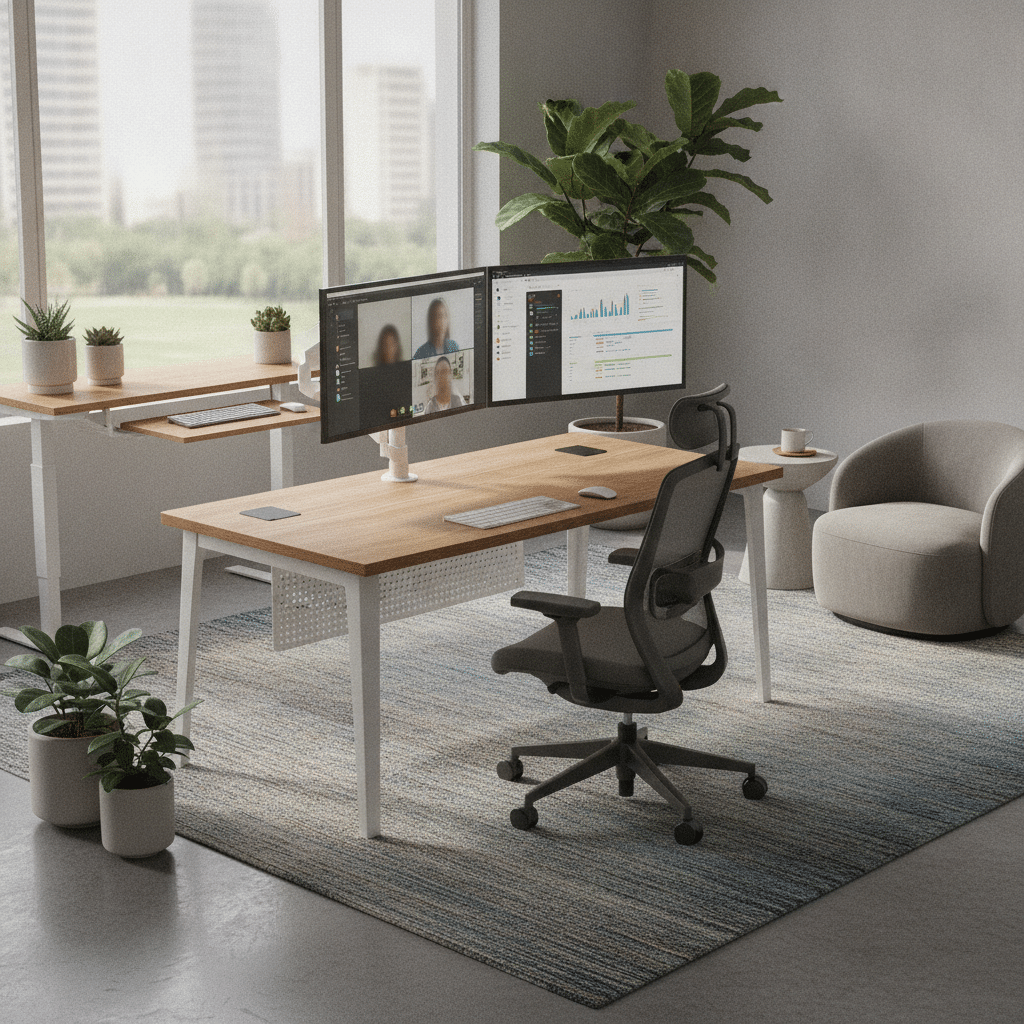
Ergonomic furniture is fundamental in creating a comfortable hybrid workspace. Start with an ergonomic chair that offers adjustable features like lumbar support, seat height, and armrests. This ensures that you maintain a healthy posture, reducing the risk of back pain and other musculoskeletal issues. Pair your chair with a height-adjustable desk, allowing you to switch between sitting and standing positions throughout the day. This flexibility not only promotes better posture but also boosts energy levels and concentration. For more tips on creating an Ergonomic Workspace Setup, consider exploring various options available.
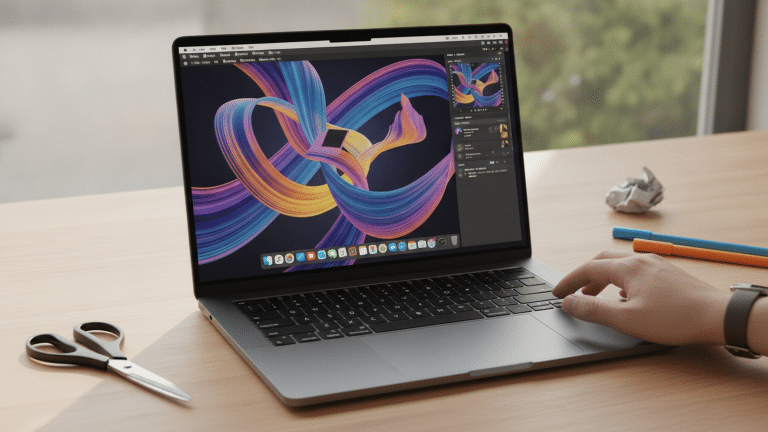
Consider the placement of your equipment. Your computer screen should be at eye level, approximately an arm’s length away. If using a laptop, a stand can help achieve the correct height. An external keyboard and mouse can further enhance comfort. These adjustments are vital for reducing strain on your neck and wrists, allowing for longer periods of focused work, especially when following an Ergonomic workspace setup.


Viking Realspace Mosil Office Chair Basic Tilt Mesh Fixed Armrest Height-Adjustable Seat Black 120 kg

Nautilus Luna Design Operator Chair Basic Tilt Mesh Black 110 kg

Pierre Henry Maxi Steel Filing Cabinet with 2 Lockable Drawers 400 x 400 x 660 mm Silver, White

Viking Realspace Premium Chair Mat PC (Polycarbonate) Rectangular with Lip Transparent 120 x 90 cm Soft Floor

Viking Realspace Apollo Executive Chair Basic Tilt Bonded leather Fixed Armrest Height-Adjustable Seat Black 110 kg
Integrating Technology for Efficiency
Incorporating the right technology can significantly enhance your productivity in a hybrid workspace. Dual monitors are a great addition, providing more screen real estate for multitasking. A docking station can simplify connections, reducing cable clutter and ensuring all your devices are easily accessible. High-speed internet is non-negotiable, so ensure your workspace is equipped with a reliable connection to support video calls and cloud-based applications.
Invest in noise-cancelling headphones to minimize distractions, especially if your home environment is not always quiet. These can be invaluable during virtual meetings or when you need to concentrate on complex tasks. Additionally, smart home devices like voice-controlled assistants can aid in managing your schedule and reminders, streamlining your daily workflow.
Comparison Table of Ergonomic Chairs
| Brand | Model | Features | Price |
|---|---|---|---|
| ErgoChair | Pro | Adjustable lumbar support, breathable mesh | $350 |
| FlexiSpot | BS9 | Height adjustable, tilt mechanism | $299 |
| Steelcase | Leap | LiveBack technology, fully adjustable | $849 |
Creating a Balanced Environment
A balanced environment is crucial for maintaining productivity and well-being in a hybrid workspace. Lighting plays a significant role; natural light is ideal, but adjustable LED lamps can provide the necessary brightness without causing glare. Personalize your space with decor that inspires you, such as artwork or plants, which can also improve air quality and reduce stress.
Ensure your workspace reflects a clear boundary between work and personal life, especially if you’re working from home. This can be achieved through physical dividers or by setting specific work hours. Establishing a routine helps in maintaining a work-life balance, ensuring that your workspace supports both your professional and personal needs effectively.
Conclusion: Crafting Your Ideal Hybrid Workspace
Creating an effective hybrid workspace involves a thoughtful blend of ergonomic furniture, technology integration, and a balanced environment. By taking these steps, you can enhance your productivity, comfort, and overall well-being. As hybrid working continues to evolve, regularly assessing and adapting your workspace to meet changing needs will ensure you stay ahead.
Remember, the goal is to create a space that supports both your professional tasks and personal well-being, making it a sustainable and enjoyable place to work. Start with these foundational elements, and adjust as necessary to find what works best for you.
Frequently Asked Questions
What is the most important element in a hybrid workspace?
While all elements are important, ergonomic furniture is often considered the most critical. It directly impacts your physical health and comfort, which are essential for maintaining productivity over long periods. Investing in a quality ergonomic chair and desk can significantly improve your work experience.
How can I minimize distractions in my home workspace?
Minimizing distractions starts with organizing your physical space. Keep your desk tidy and use cable management solutions to reduce clutter. Noise-cancelling headphones can block out ambient noise, and setting clear boundaries with family or roommates can help maintain focus. Additionally, consider using productivity apps to manage your time effectively.
What technology is essential for hybrid working?
Essential technology includes a reliable computer, high-speed internet, and dual monitors for multitasking. Noise-cancelling headphones and a docking station for easy connectivity are also beneficial. Depending on your role, specific software tools for collaboration and project management may be necessary to facilitate efficient remote work.
How can I ensure good posture while working?
To maintain good posture, adjust your chair so your feet are flat on the floor and your knees are at a 90-degree angle. Your screen should be at eye level, and your keyboard and mouse should be within easy reach to prevent strain. Regular breaks to stand and stretch can also help maintain a healthy posture throughout the day.