
What Are Quick Fixes for Immediate Back Pain Relief?
For instant relief from back pain, try standing up and stretching every 30 minutes. Use a small pillow or rolled-up towel for lumbar support. Adjust your chair height so your feet rest flat on the floor, and your knees are at a 90-degree angle.
Essential Ergonomic Adjustments for Your Desk
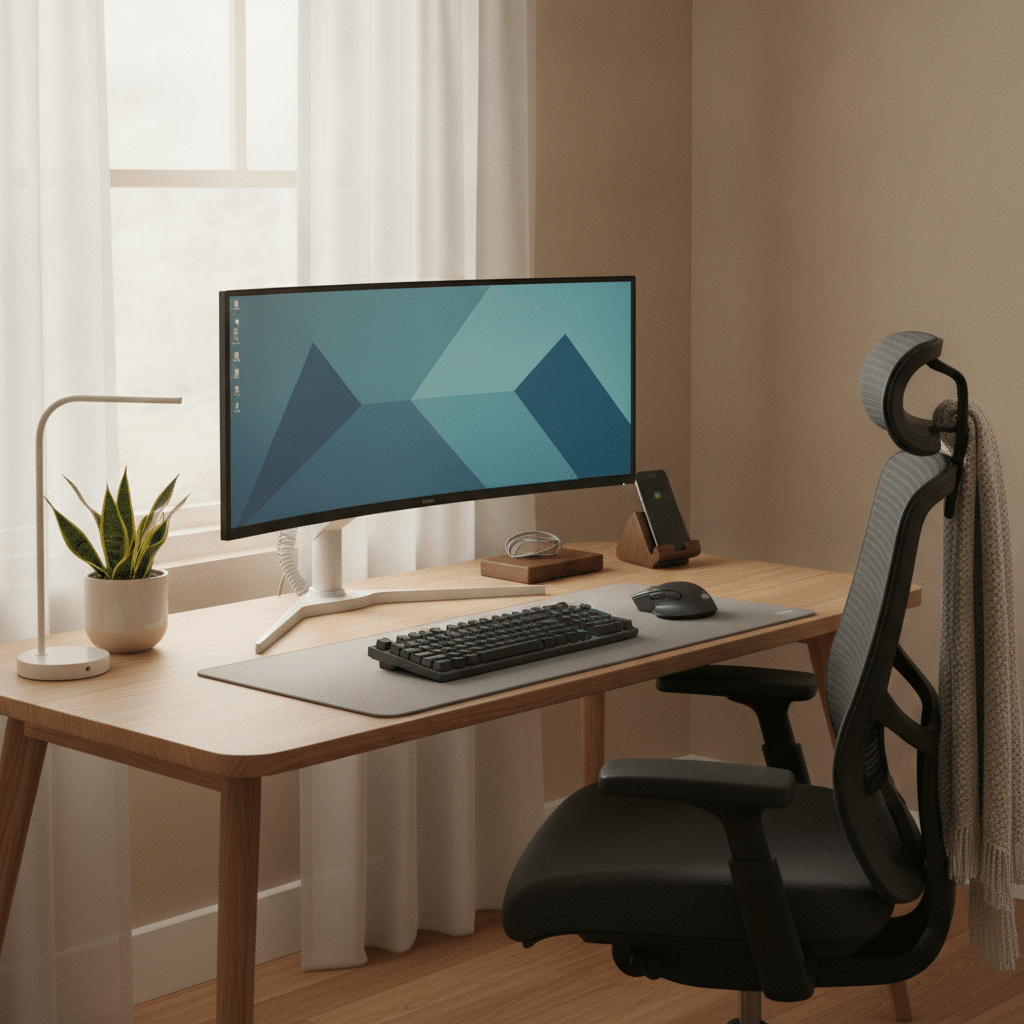
- Adjust your monitor so the top is at eye level.
- Keep your elbows close to your body at a 90-degree angle.
- Position your keyboard and mouse within easy reach.
- Use a chair with proper lumbar support.
- Ensure your feet are flat on the floor or on a footrest.
- Keep frequently used items within arm’s reach.
Understanding the Importance of Ergonomics
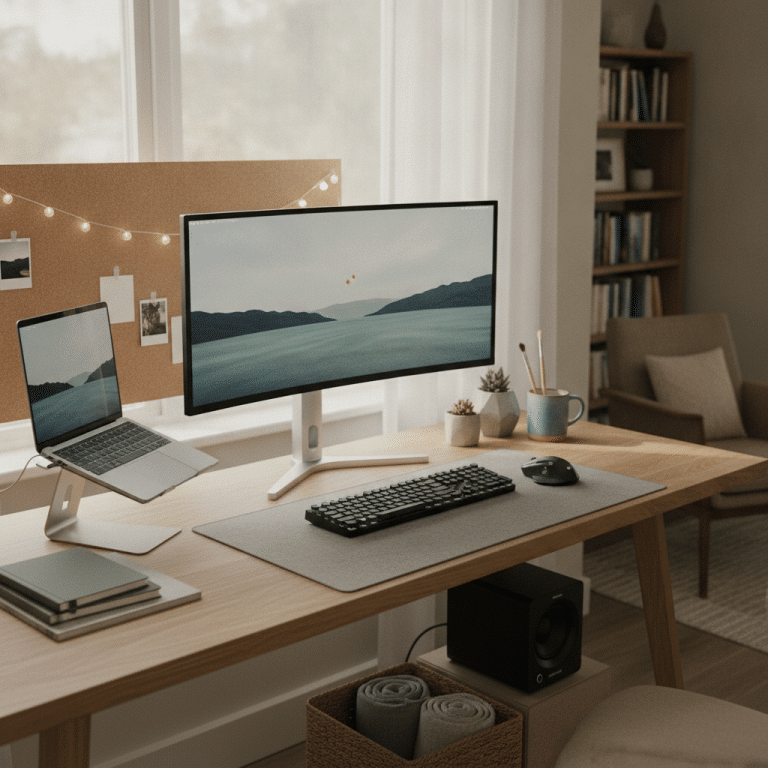
Ergonomics is the science of designing a workspace that fits the user’s needs to promote efficiency and comfort. Poor ergonomic setups can lead to musculoskeletal disorders, including back pain. By ensuring your desk and chair are correctly adjusted as part of an Ergonomic Office Setup, you can minimize these risks and create a healthier work environment.
Start by assessing your current setup. Ensure your chair provides adequate lumbar support and that your desk height allows you to work comfortably without straining your neck or back. Investing in ergonomic furniture and accessories can be beneficial in the long run, as they are designed to support your body naturally. You can Learn more about footrests that can enhance your comfort while working.


Nautilus Luna Design Operator Chair Basic Tilt Mesh Black 110 kg

Viking Malaga Executive Chair Basic Tilt Bonded leather Fixed Armrest Height-Adjustable Seat Black 120 kg

Viking Realspace Mosil Office Chair Basic Tilt Mesh Fixed Armrest Height-Adjustable Seat Black 120 kg

Viking Realspace Draughtsman Chair Permanent Contact Fabric Height-Adjustable Seat Black 120 kg 430 x 480 x 1,200 mm

Viking Realspace Apollo Executive Chair Basic Tilt Bonded leather Fixed Armrest Height-Adjustable Seat Black 110 kg
Incorporating Movement into Your Workday
Sitting for prolonged periods can lead to stiffness and discomfort. Incorporating regular movement into your workday is essential to prevent back pain. Aim to stand up and stretch every 30 to 60 minutes. Simple exercises such as shoulder rolls, neck stretches, and seated twists can help alleviate tension and improve circulation.
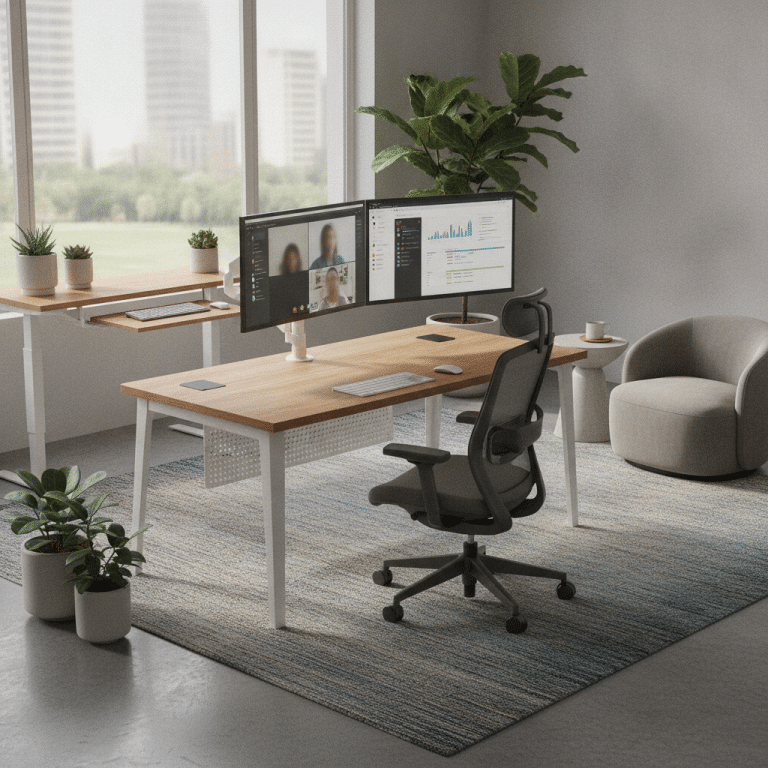
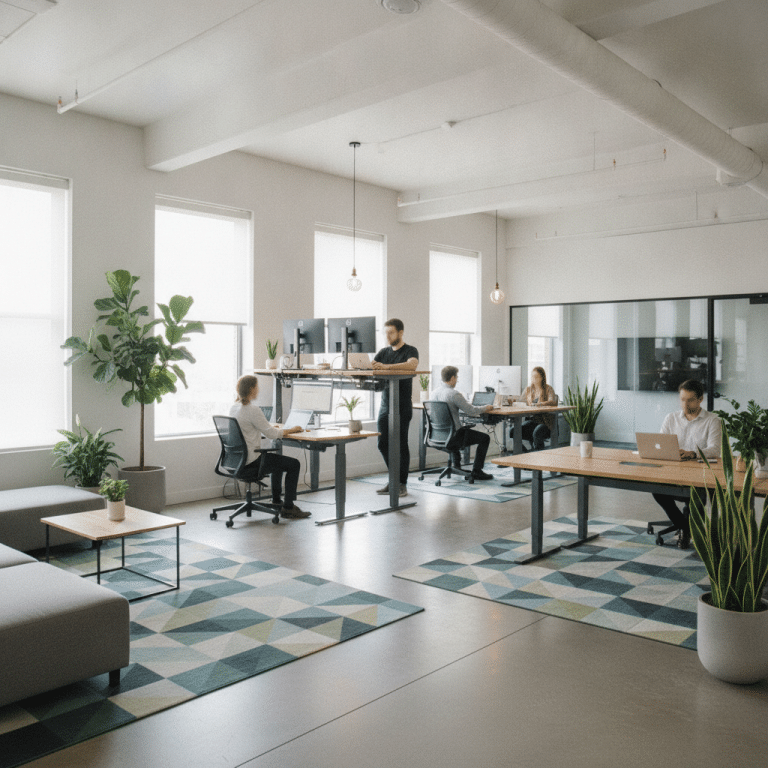
Consider using a sit-stand desk or taking short walks during breaks to keep your body active. These activities not only reduce the risk of back pain but also enhance overall productivity and focus. Remember, movement is key to maintaining a healthy spine and preventing discomfort.
Comparison Table of Office Chairs and Footrests
| Product | Features | Price Range |
|---|---|---|
| Ergonomic Chair A | Adjustable lumbar support, breathable mesh | £150 – £200 |
| Ergonomic Chair B | High back, headrest, recline function | £200 – £250 |
| Footrest A | Adjustable height, non-slip surface | £20 – £30 |
| Footrest B | Massage surface, tilt angle | £30 – £40 |
The Role of Good Posture in Preventing Back Pain
Good posture is crucial in maintaining a healthy back while working at a desk. When sitting, ensure your back is straight, shoulders are relaxed, and feet are flat on the floor. Avoid slouching or leaning forward, as this can increase pressure on the spine and lead to pain over time.
Practice mindful posture by periodically checking your alignment throughout the day. Use reminders or posture-correcting devices if necessary. By maintaining good posture, you reduce the strain on your back muscles and ligaments, promoting a healthier and more comfortable work experience.
Conclusion: Prioritize Your Back Health
Preventing back pain while working at a desk requires a combination of ergonomic adjustments, regular movement, and mindful posture. By implementing these strategies, you can create a more comfortable and productive work environment.
Investing time and resources into your workspace setup not only enhances your physical health but also contributes to your overall well-being. Remember, your back health is essential, and taking proactive steps today can prevent discomfort in the future.
Frequently Asked Questions
How often should I take breaks to prevent back pain?
It’s recommended to take a short break every 30 to 60 minutes. Stand up, stretch, and move around to alleviate tension and improve circulation. Regular breaks help prevent stiffness and reduce the risk of developing back pain.
What is the best chair for preventing back pain?
An ergonomic chair with adjustable lumbar support, a high back, and a recline function is ideal for preventing back pain. It should allow you to maintain a neutral spine position and provide comfort for long periods of sitting.
Can a footrest help reduce back pain?
Yes, a footrest can help maintain proper posture by ensuring your feet are flat and supported. This reduces strain on your lower back and promotes better alignment, which can help prevent back pain.
How can I improve my desk setup for better ergonomics?
Start by adjusting your chair and desk height to ensure your elbows are at a 90-degree angle. Position your monitor at eye level and keep your keyboard and mouse within easy reach. Use ergonomic accessories like a footrest and lumbar support to enhance comfort and reduce strain.