
Choosing the right monitor arm can significantly enhance your workspace by freeing up desk space and improving your monitor’s ergonomics. Whether you’re an office worker or someone looking to optimize their home office, selecting the best monitor arm involves understanding your specific needs and the technical specifications of your equipment. This guide will walk you through the essentials to consider before making your purchase.
What Should You Consider When Choosing a Monitor Arm?
Before purchasing a monitor arm, it’s crucial to evaluate several factors to ensure compatibility and functionality. Consider your monitor’s specifications, the type of arm that suits your setup, and the ergonomic benefits it offers.
Key Factors to Consider When Choosing a Monitor Arm
- Check VESA compatibility with your monitor.
- Ensure weight and screen size limits match your monitor.
- Decide between a single or dual arm based on your needs.
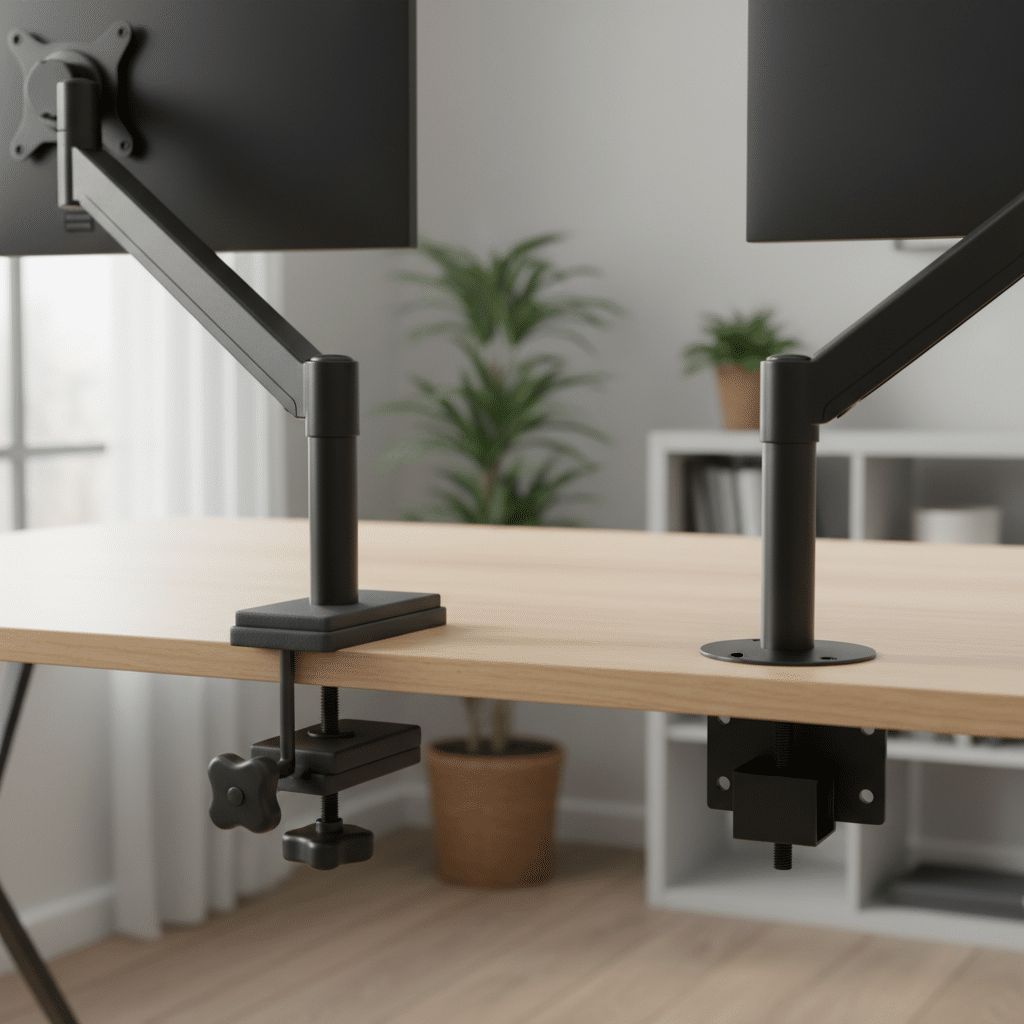
- Choose between clamp and grommet mounts considering desk thickness.
- Evaluate tilt, swivel, and height adjustment ranges.
- Consider gas spring vs. screw adjust mechanisms.
- Think about the ergonomic benefits for neck strain and posture.
Understanding VESA Compatibility
VESA compatibility is a critical factor when selecting a monitor arm. VESA, or Video Electronics Standards Association, sets the standards for mounting interfaces on monitors. To check if your monitor is VESA compatible, look for four screw holes on the back of the monitor, typically arranged in a square pattern. The most common VESA sizes are 75x75mm and 100x100mm. Ensure your monitor arm supports your monitor’s VESA pattern to avoid compatibility issues. For more guidance, consider Choosing a Monitor Arm.
Without proper VESA compatibility, you may face challenges in securely mounting your monitor. It’s advisable to consult your monitor’s manual or manufacturer’s website to confirm the VESA specifications. This ensures that the monitor arm you choose will securely hold your monitor without any risk of falling or instability, so consider Choosing a monitor arm that meets these requirements.

Viking Monitor Stand Height Adjustable 435 x 335 x 135 mm Black

Fellowes 8038101 Monitor Stand Height Adjustable 21 " 406 x 238 x 1,111 mm Black/Pearl

Viking Monitor Stand 460 x 300 x 145 mm Black

ACT Monitor Arm 27" gas spring, 1 screen

ACT Office Monitor Arm AC8331 Black 32" gas spring, 1 monitor
Weight and Screen Size Limits
Monitor arms come with specific weight and screen size limits. It’s essential to know the weight of your monitor and ensure it falls within the range that the arm can support. Overloading a monitor arm can lead to instability and potential damage to your equipment. Most monitor arms can support a range of weights, but checking the specifications is crucial. To ensure you select a suitable option, be sure to Choose the Right Monitor Arm.
Screen size is another important aspect. Larger monitors may require more robust arms with greater reach and stability. If you’re using a dual monitor setup, ensure that the arm can accommodate the combined weight and size of both monitors. For Affordable Monitor Options, this will provide a seamless and secure mounting solution.
Comparison Table of Monitor Arm Mount Types
| Mount Type | Use Case |
|---|---|
| Clamp Mount | Best for desks with thick edges |
| Grommet Mount | Ideal for desks with pre-drilled holes |
| Wall Mount | Perfect for saving maximum desk space |
| Freestanding | Great for temporary setups |
Choosing Between Single and Dual Monitor Arms
Deciding between a single and a dual monitor arm depends on your workspace needs. A single monitor arm is ideal if you only use one screen and want to save desk space while maintaining flexibility in positioning. It allows for easy adjustments in height, tilt, and rotation, enhancing ergonomic comfort.
On the other hand, a dual monitor arm is perfect for those who work with multiple screens. It provides the same ergonomic benefits while allowing for an organized and efficient workspace. Dual arms can be adjusted independently, offering versatile configurations for multitasking. Consider your work habits and space constraints when making this choice.
Conclusion
Choosing the right monitor arm requires careful consideration of various factors, including VESA compatibility, weight and size limits, and mounting options. By understanding these aspects, you can select a monitor arm that not only meets your technical requirements but also enhances your workspace ergonomically.
Investing in a suitable monitor arm can lead to improved posture, reduced neck strain, and a more organized desk, ultimately boosting productivity and comfort. Explore our selection of Viking monitor arms to find the perfect fit for your needs.
Frequently Asked Questions
How do I know if my monitor is VESA compatible?
To determine if your monitor is VESA compatible, check the back of the monitor for four screw holes arranged in a square pattern. These holes are usually either 75x75mm or 100x100mm apart. You can also refer to your monitor’s manual or the manufacturer’s website for detailed specifications regarding VESA compatibility.
Can I use a monitor arm for a curved monitor?
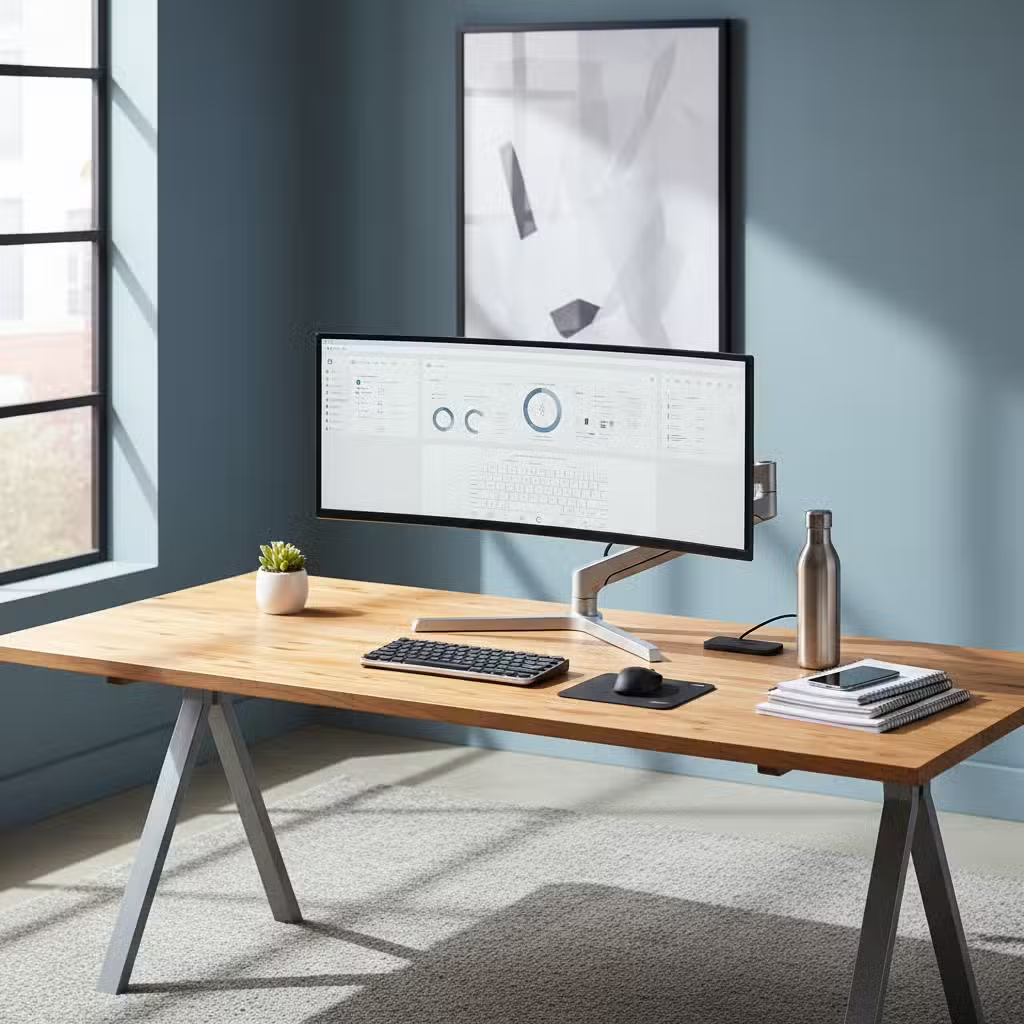
Yes, you can use a monitor arm for a curved monitor, but it’s crucial to ensure that the arm supports the monitor’s weight and size. Some arms are specifically designed to handle the unique shape and balance of curved monitors. Check the manufacturer’s guidelines to ensure compatibility and stability.
What is the difference between gas spring and screw adjust monitor arms?
Gas spring monitor arms use pneumatic mechanisms to allow for smooth and effortless adjustments, providing a wider range of motion and ease of use. Screw adjust arms, on the other hand, require manual adjustments using screws, which can be more stable but less flexible. Choose based on your preference for ease of adjustment versus stability.
How does a monitor arm improve ergonomics?
A monitor arm enhances ergonomics by allowing you to adjust the height, tilt, and angle of your monitor to suit your eye level and posture. This helps reduce neck and eye strain, promotes better posture, and can prevent long-term health issues associated with poor workstation ergonomics. By customizing your monitor’s position, you can create a more comfortable and efficient workspace.